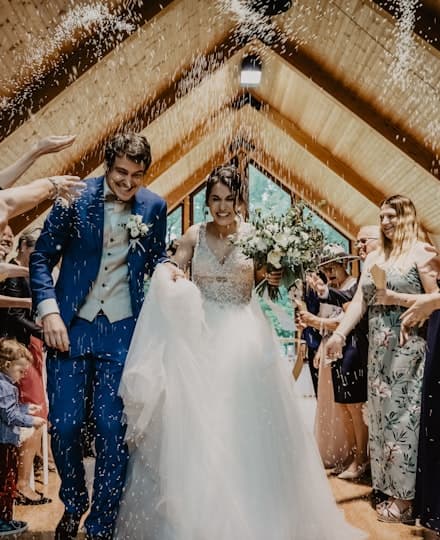

Every photo
from the night.
One code.
Collaborative photo gallery for weddings, bachelorette parties, birthdays or corporate events: your guests scan a QR code, pick a nickname, drop their photos and videos from any phone — no app, no account — and sign the guestbook with a note or a voice message. You get everything, sorted by person, in a zip. No photo booth to rent: it all happens on their phones.
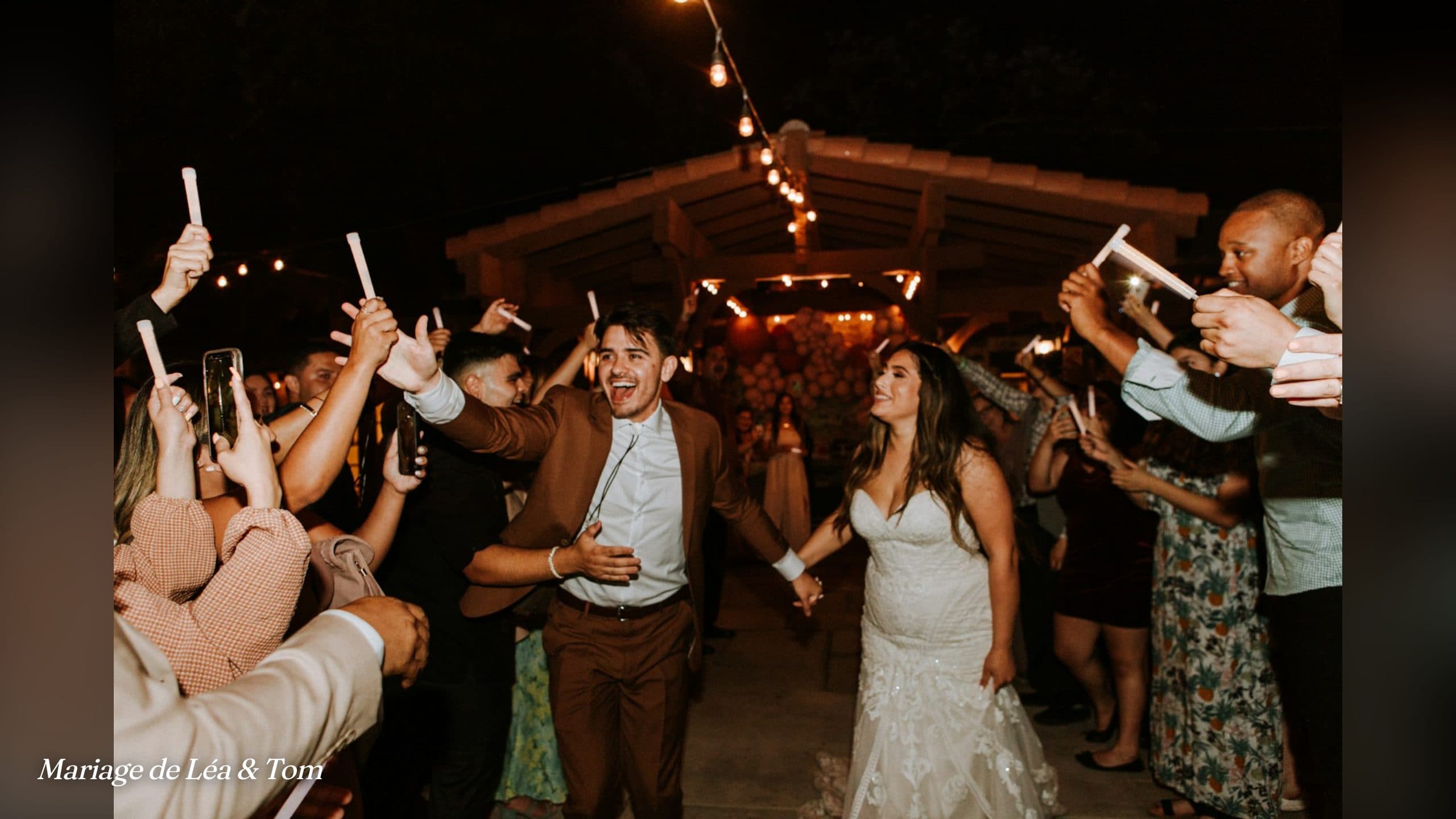
The party live
on the big screen.
Open a link on the TV, the projector or an iPad: your guests' photos play full screen, and each new photo shows up a few seconds after it's taken. The photo booth effect, with photos from the whole room.
- ● no login needed on the screen
- ● each new photo jumps the queue
- ● included in every plan
The guestbook
that talks.
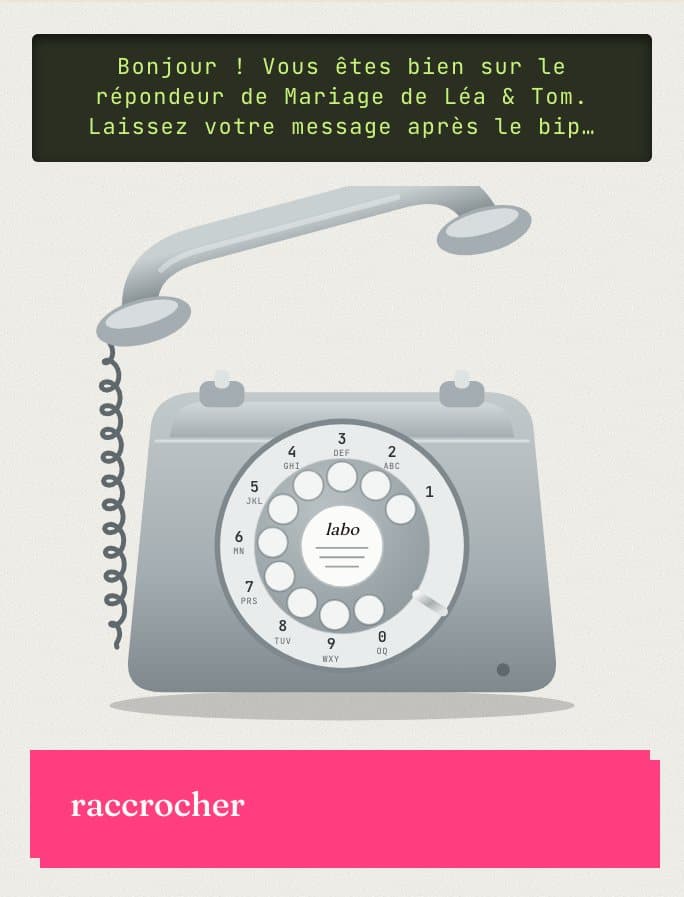
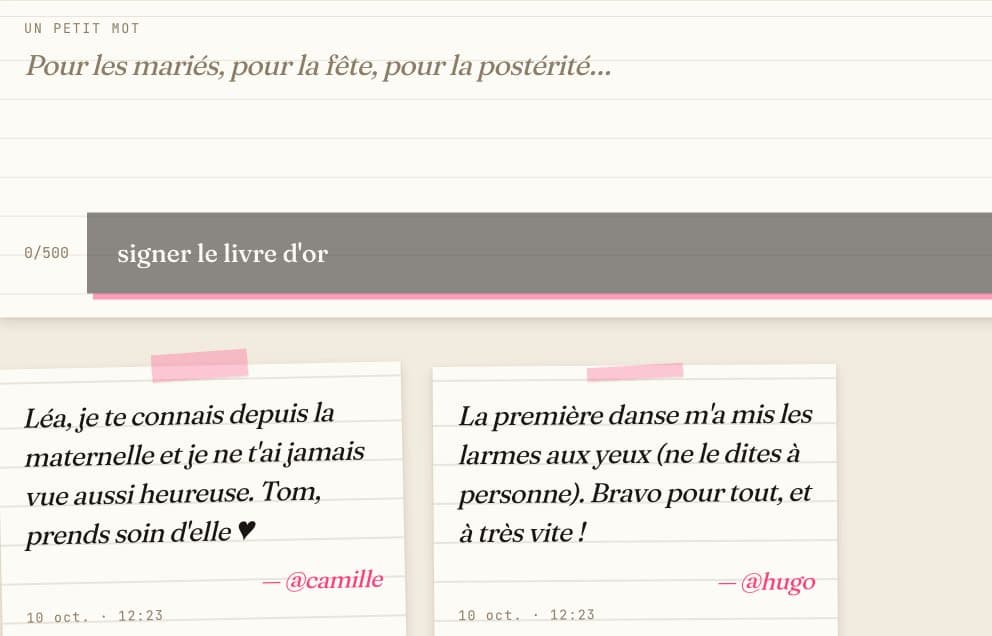
Inside the gallery, a guestbook where each guest signs a short note, and an old telephone to leave a voice message: pick up, wait for the beep, talk, hang up. Notes can be read during the party; voice messages can stay a surprise, to play back afterwards.
- ● short notes signed with the nickname
- ● voice messages up to 2 min
- ● your choice: visible to every guest or to you only
- ● included in every plan
Effortless for them,
complete for you.
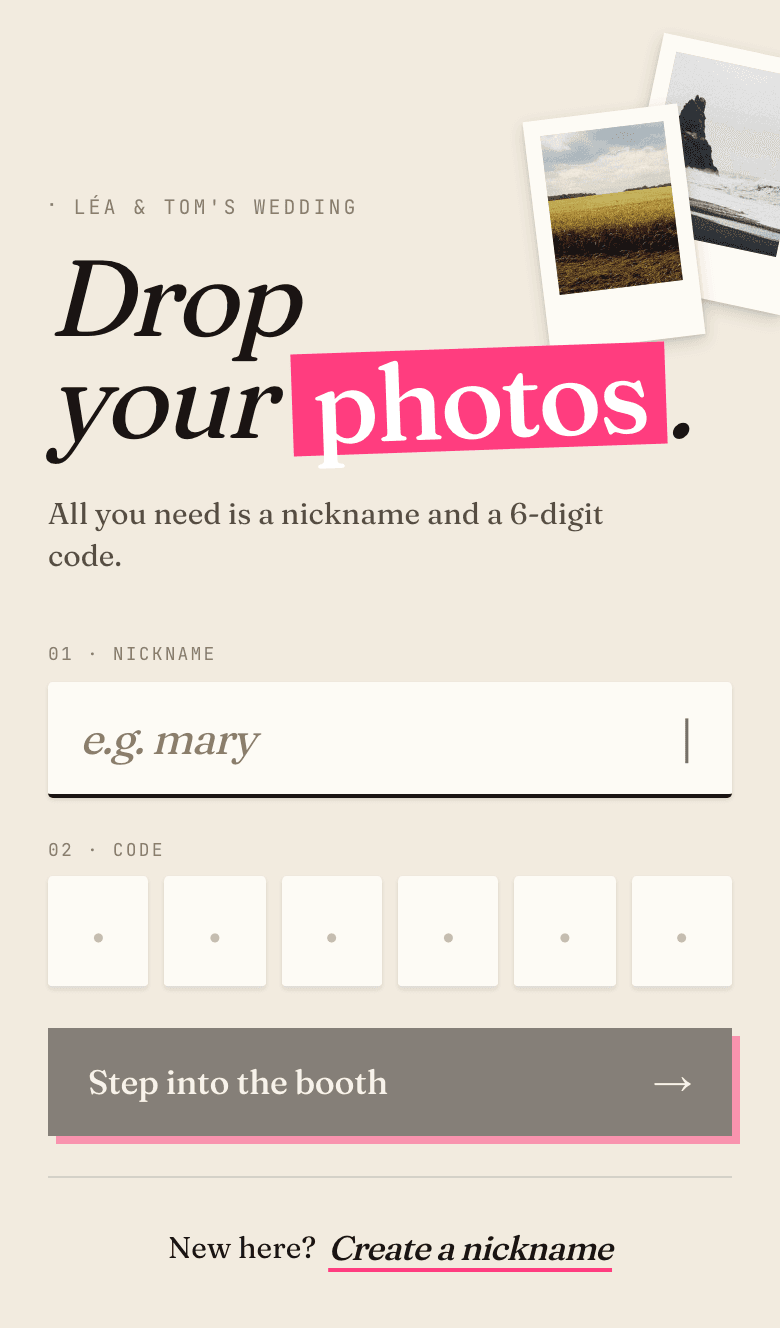
No accounts. No emails.
A nickname, a 6-digit PIN, and the personal gallery opens on any phone. No password to remember — just the code.
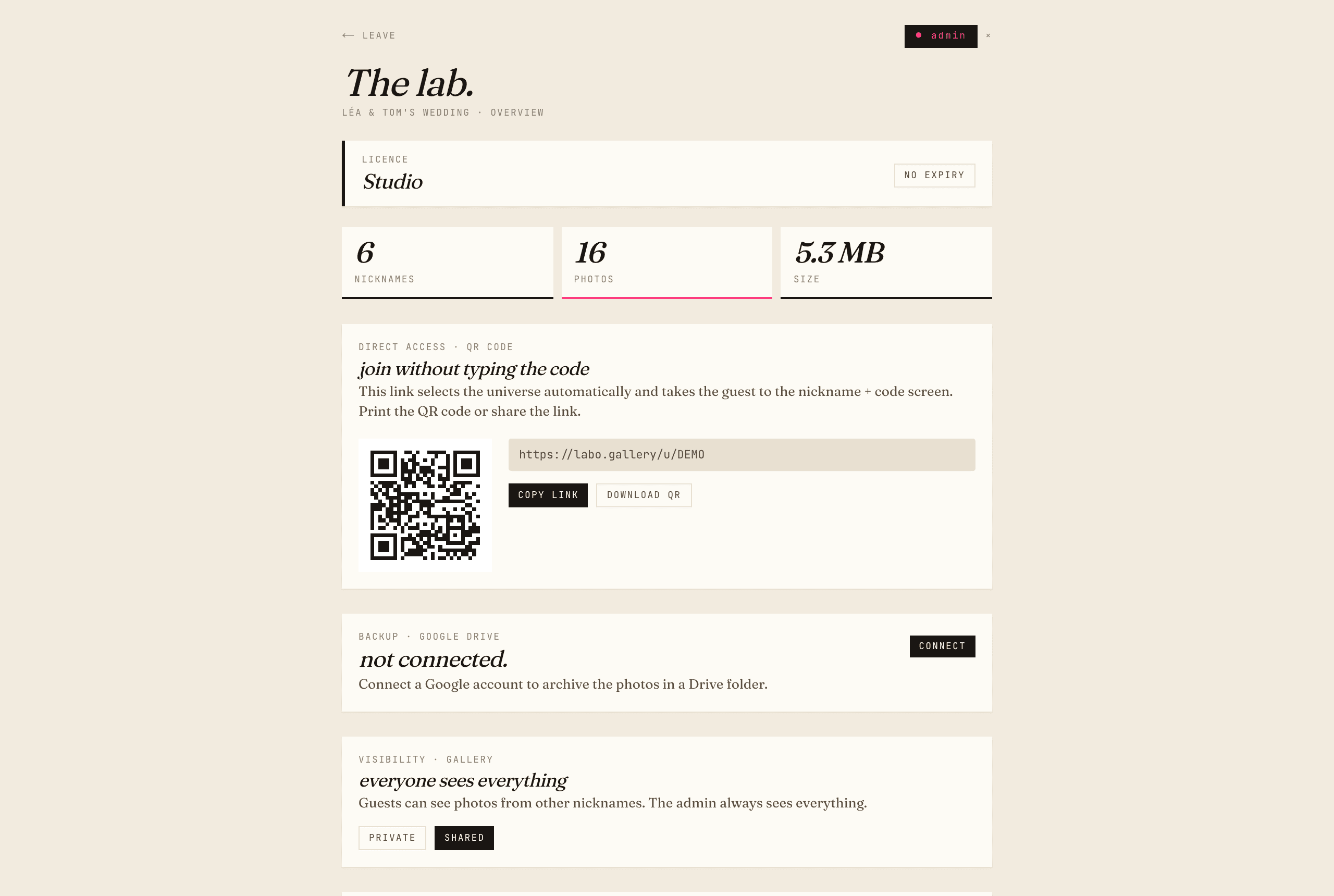
Central admin panel.
One dashboard per event: each guest, their photos, a full ZIP in one click. Delete, moderate, everything in one place.
Google Drive in one click.
Connect your personal Drive — an incremental backup sorts photos by guest inside a "Photobooth/" folder. Zero configuration.
Built for the phone.
Capture straight from the camera, instant upload, download one by one as an iOS roll or in a zipped multi-selection.
Polaroid warm, zero friction.
Soft aesthetic, careful typography. Your guests remember the party — not a corporate form.
Isolated galleries.
The universe code acts as the barrier between events — one per group, one per night. No bleed between events, no public-link leaks.
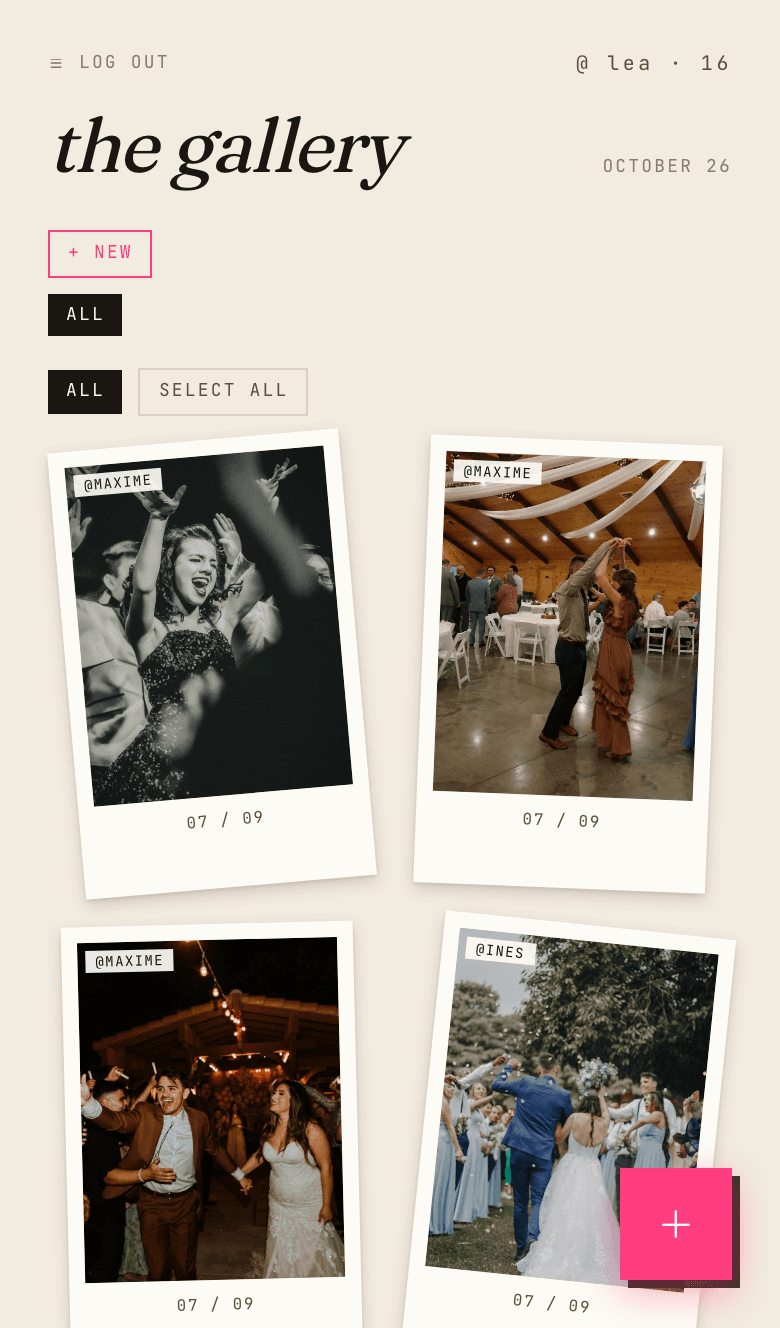
Film rolls, not a dump.
Each guest organises photos into named rolls — ceremony, cocktail, afterparty. Finding a precise moment takes two seconds.
Shared film rolls.
Create rolls everyone can see — "the bride", "the speeches" — where every guest can drop in. Personal by default, collective on demand.
Private or shared gallery.
One switch in the admin panel: either guests see only their own photos (default), or everyone sees everything. Flip it whenever — the admin keeps the full view either way.
Live photos on the big screen.
A secret link to open on the TV, the projector or an iPad: the latest photos play full screen, and each new photo shows up as soon as a guest uploads it. No login needed on the screen.
Videos too.
Speeches, first dance, conga line: guests upload their videos as well, up to 1 min on Soirée and 3 min on Studio. Playable in the gallery and on the big screen, included in the zip and the Drive backup.
A guestbook that talks.
A short written note, or a voice message left on an old telephone drawn on screen. You decide who can read and listen to them.
What your guests see,
and what you see.
Three plans.
No subscription trap.
Secure online payment with Stripe — your universe opens as soon as you pay, invoice sent automatically. One-off payment, no auto-renewal.
Discover
Try the full experience on a small event.
- ✓1 universe · 1 event
- ✓up to 100 photos · 10 guests
- ✓gallery open for 30 days
- ✓photos · guestbook & voice messages (no video)
- ✓admin · ZIP · multi-download
Soirée
The plan for a wedding, birthday or off-site.
- ✓1 universe · unlimited photos & guests
- ✓videos up to 1 min · guestbook & voice messages
- ✓gallery open for 6 months
- ✓Google Drive backup
- ✓email support within 24 h
- ✓one-off payment — no subscription
Studio
For agencies and photographers — several events.
- ✓unlimited universes
- ✓videos up to 3 min · guestbook & voice messages
- ✓photos kept while subscribed
- ✓Drive backup · every universe
- ✓custom domain
- ✓priority support
- ✓cancel any time
Everything people ask us.
How does Photobooth work?
Photobooth is a collaborative photo gallery that runs entirely in the browser, with no app to install. The host creates a universe — a private space dedicated to one event — and receives an access code along with a QR code to print or share. On the day, each guest scans the QR code, picks a nickname and a personal 6-digit PIN, then drops their photos straight from their phone, during or after the party. Photos are organised per person, in named film rolls (ceremony, cocktail hour, afterparty…). On the other side, the host gets an admin panel: every photo sorted by guest, moderation tools, a one-click zip download of the whole collection, and an optional automatic backup to their own Google Drive. As an order of magnitude, a 100-guest wedding typically produces between 600 and 1,200 photos collected this way.
Do my guests need to create an account?
No, no account is needed: no email address, no password, no app to install. To join, a guest scans the event's QR code (or types the access code), picks a free-form nickname — "marie" or "uncle-john" — and a personal 6-digit PIN that lets them find their gallery again later, from any phone. Everything runs in the browser, on iPhone and Android alike. This removes friction exactly where it matters most: every extra signup step loses contributors, especially the least tech-comfortable guests. It is also a privacy advantage: Photobooth collects neither emails nor phone numbers from guests — only a nickname and their photos. Across Photobooth events, between 55 and 75% of guests contribute photos on average.
How much does Photobooth cost for a wedding?
For a wedding, the right plan is usually Soirée: €29 as a one-time payment — no subscription — for one event, with unlimited photos, 6-month retention and automatic Google Drive backup. For comparison, renting a physical photo booth commonly costs between €200 and €900 for a single evening. The free Discover plan lets you try the service in real conditions: one universe, up to 100 photos, 30-day retention — enough for a trial run or a small gathering. For frequent organisers (photographers, wedding planners, companies), the Studio plan at €59 per month offers unlimited universes, unlimited retention, a custom domain and priority support. The full breakdown of all three plans, with every limit and option, is on the pricing page.
Is Photobooth GDPR-compliant?
Yes. All data is hosted in the European Union (Vercel infrastructure and an EU-region database) and nothing is transferred outside the EU. Photobooth collects the strict minimum: a nickname and photos — no guest emails, no phone numbers — and uses no advertising trackers. Each guest keeps control of their own photos and can delete them at any time; the host can also moderate or remove any content from the admin panel. Galleries are isolated per event: without the access code nobody gets in, and there is no public link that could leak. Data deletion requests are handled within 7 business days, as described in the privacy policy. Finally, the Google Drive backup uses Google's restricted drive.file scope: the app can only access folders it created itself.
How many photos can I collect?
On the Soirée plan (€29, one-time payment) and the Studio plan (€59 per month), the number of photos is unlimited, with no cap per guest: everyone can drop as many shots as they like. The free Discover plan is limited to 100 photos over 30 days, which is enough to test the service or cover a small event. To estimate the volume to expect: a 100-guest wedding generally produces between 600 and 1,200 photos, with an observed participation rate of 55 to 75% of guests and an average of around 18 photos per contributor. A bachelorette party or a birthday with twenty people naturally produces a more modest volume. Whatever the count, photos stay sorted by nickname and film roll, and both the zip download and the Google Drive backup cover the entire collection.
How long are photos retained?
Retention depends on the plan: 30 days on Discover (free), 6 months on Soirée (€29), unlimited on Studio (€59 per month). Six months leaves ample time to collect wedding photos, share them with family and turn them into an album. Beyond that, two mechanisms let you keep the photos indefinitely, whatever the plan: the full zip download from the admin panel, and the Google Drive backup (included from the Soirée plan), which automatically copies every photo into a "Photobooth/" folder in your personal Drive, sorted by guest. Once the files are in your Drive or on your computer, they are yours and remain accessible with no time limit. It is therefore a good habit to trigger the zip or the Drive backup before your plan's retention period ends.
Can I download all photos at once?
Yes, in two complementary ways. From the admin panel, one click downloads a complete zip file containing every photo of the event, organised into folders by guest nickname — handy for archiving, sharing with the couple or handing over to the photographer. A single guest's zip can also be downloaded separately. In parallel, the Google Drive backup (Soirée and Studio plans) automatically and incrementally copies each new photo to a "Photobooth/" folder in your personal Drive, always sorted by guest: the collection builds itself throughout the evening, with no intervention. Guests, on their side, can retrieve their own photos one by one (compatible with the iOS camera roll) or as a zipped multi-selection. No photo is compressed or cropped along the way: files are returned exactly as they were uploaded.
What is the difference between a private and shared gallery?
Visibility is controlled by a single switch in the admin panel, at any time. In private mode — the default — each guest only sees their own photos: nobody stumbles on anyone else's shots, which suits events where discretion matters. In shared mode, every guest in the universe sees everyone's photos, like a common wall of the party. In both cases, the host keeps the complete view of all photos. Independently of this setting, shared film rolls offer a middle ground: common albums visible to all — "the bride", "the speeches" — where any guest can contribute, while the rest of their gallery stays personal. Switching between modes is reversible at any time and never alters or deletes a single photo.
Can guests upload videos?
Yes, on the Soirée and Studio plans. Guests upload their videos exactly like their photos, from their phone's browser and with no app: up to 1 minute per video on the Soirée plan (€29, one-time payment) and up to 3 minutes on the Studio plan (€59 per month). The free Discover plan covers photos only. Each video appears in the gallery with a thumbnail and its duration, plays full screen, and also shows on the screen mode, muted, during the party. It is included in the zip download and the Google Drive backup, with no compression or cropping: the file is returned exactly as it was filmed. The organiser can turn video uploads off at any time from the admin panel; videos already uploaded then stay visible. In short, the whole evening is captured, not just the still moments.
How do the guestbook and the voice answering machine work?
Every universe comes with a digital guestbook, reachable from the gallery and included in every plan. Guests can leave a short note, up to 500 characters, automatically signed with their nickname, and edit or delete it later. Next to it, a voice answering machine follows the idea of the vintage wedding telephone: the guest picks up the handset drawn on screen, waits for the beep, leaves a message of up to 2 minutes and hangs up, with the option to listen back before sending. No app is needed, the phone's microphone is enough. The organiser decides separately who can read the notes and listen to the messages: every guest, or the organiser only. By default, notes are visible to everyone and voice messages stay a surprise for the organiser, who can play them, download them and export the notes from the admin panel.
Can photos be shown live on a big screen?
Yes, with the screen mode, included in every plan. From the admin panel, the organiser creates a secret link to open on a TV, a projector or a tablet such as an iPad. The latest photos of the event play there full screen, with a crossfade, and each new photo appears a few seconds after a guest uploads it — a simple way to liven up a cocktail hour, a dinner or a dance floor with photos from the whole room. No login is required on the device: open the link, then switch to full screen. The screen mode works whatever the visibility setting, including a private gallery, where guests still only see their own photos on their phones. The link has no password, so it should stay with the organiser, who can generate a new one at any time to revoke the old one.
Does Photobooth work without an internet connection during the event?
Uploading photos requires an internet connection, over 4G/5G or WiFi, since files are sent to the online gallery. However, poor network coverage on the night is not a blocker: guests take their photos normally with their phone camera, then drop them into the gallery as soon as they get signal back — later that night, the next day or the following week. The gallery stays open for the plan's entire retention period (30 days on Discover, 6 months on Soirée), which gives latecomers plenty of time to complete the collection. For venues known for poor coverage — countryside estates, basement halls — a simple trick is to print the venue's WiFi code right next to the QR code on your table signs.
Can I connect my personal Google Drive?
Yes, on the Soirée and Studio plans. The connection takes one click from the admin panel, through Google's official consent screen. The backup then runs incrementally: every new photo dropped by a guest is automatically copied to your Drive, into a "Photobooth/" folder organised by nickname, with no configuration or intervention. An important privacy point: Photobooth uses the most restricted scope Google offers (drive.file), meaning the app can only see folders and files it created itself — never the rest of your Drive. Access can be revoked at any time from your Google account settings. This backup is a durable, independent copy: even after the gallery's retention period ends, the photos remain in your personal Drive.
We build your universe.
Fill the form — your universe opens immediately (free on Discover, €29 by card on Soirée) and the admin password lands in your inbox. Share the code with your guests, they drop, you collect.